The Supplier GST Report shows how much you have ordered from each supplier in a selected time period. It uses the Created Date of the invoices.
To generate a Supplier GST Report:
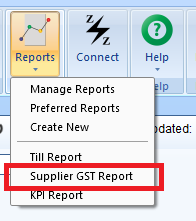
- Go to Z Office > Reports > Supplier GST Report
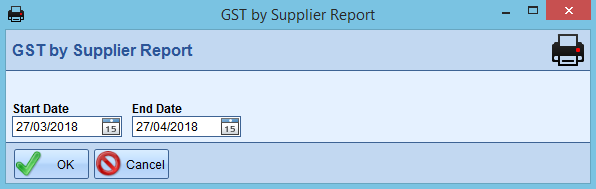
- Set a Start Date and End Date
- Press OK
Comments
0 comments
Please sign in to leave a comment.