PBS notifications can be displayed for the scripts dispensed on a particular workstation or for notifications received across all workstations.
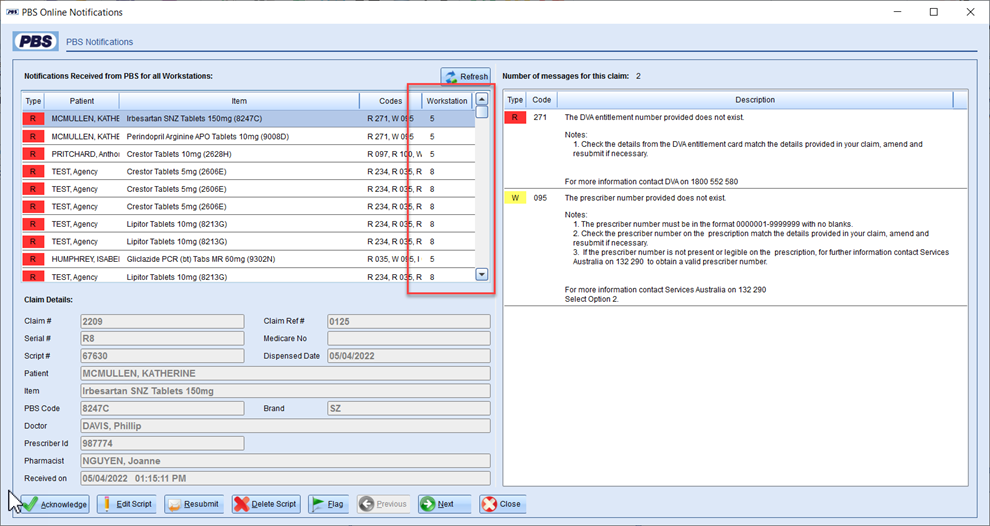
To set how the dispense program will display the notifications:
- Go to Z Dispense > Workstation > PBS Online tab:
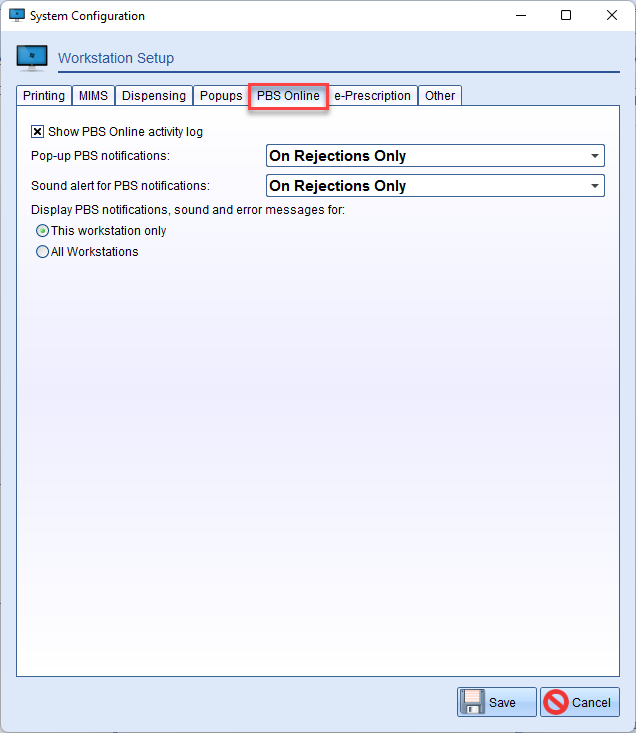
- In this tab, you will have the option to select whether you would like to display PBS notifications unique to the current workstation or for all workstations in the store.
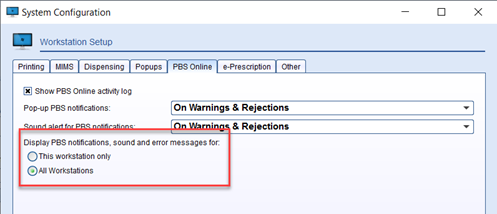
- Press Save to apply the settings.
Comments
0 comments
Please sign in to leave a comment.