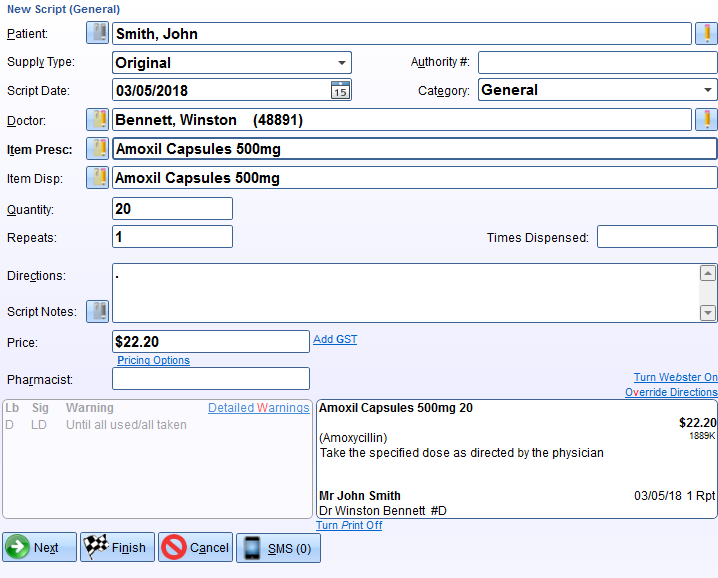
Z Dispense has two dispensing layouts for you to use.
Barney Layout
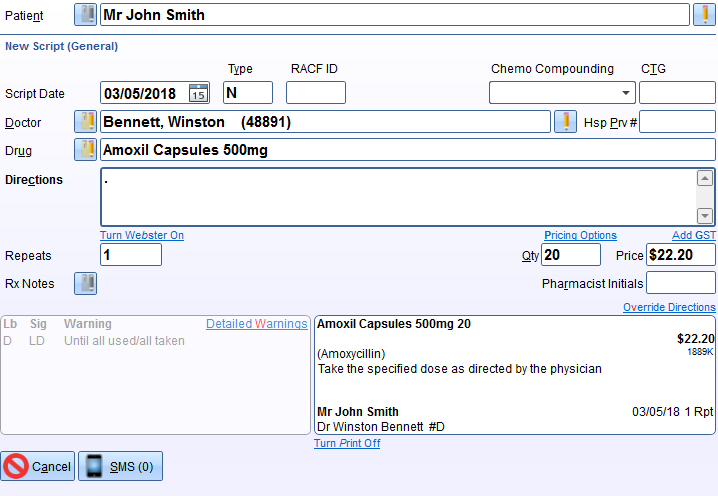
Rapidfire Layout
Changing between the two layouts
Note
As this is a workstation setting, if you wish to change the layouts on any other dispensing terminals, you will need to do it for each terminal.
Keyboard Shortcut
To quickly change between the two layouts, on the keyboard press:
CTRL + SHIFT + TAB
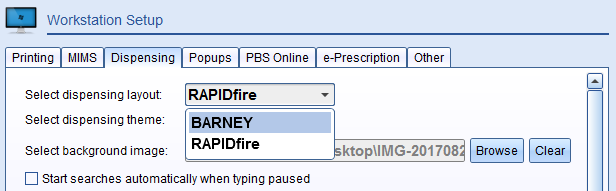
Workstation Settings
- Go to Z Dispense > Workstation > Dispensing
- Select which layout you'd like to use in the 'Select Dispensing Layout' option
Comments
0 comments
Article is closed for comments.