- Go to Z Register > Settings

- The Login Required prompt should appear:
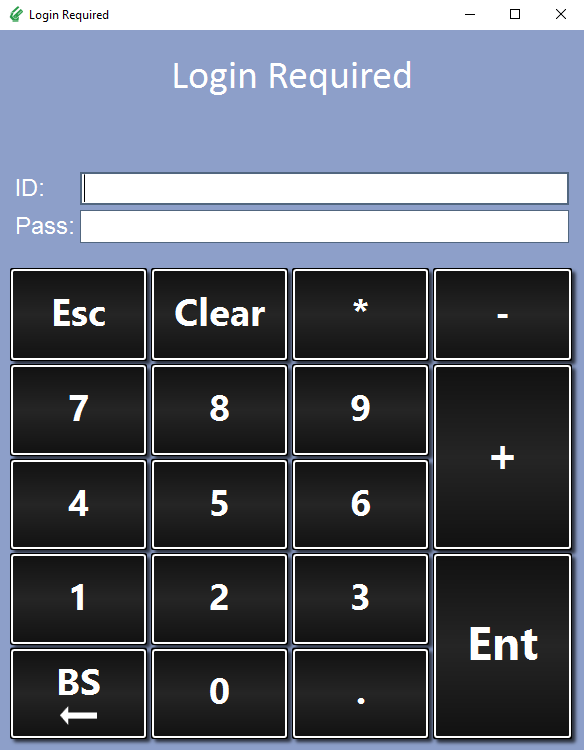
Log in with your Z Register ID and password (if required). - Go to the Receipts tab:
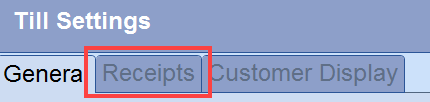
- Go to the Print Footer Section of the Settings:

Tick the box next to Print Footer Image to enable the setting
Press
 and select your logo image
The program accepts: .jpg, .jpeg and .bmp file types. The maximum image width is 500px. - Save
Note
As this is a workstation setting, if you wish to change the setting on any other Register terminals, you will need to do it for each terminal.
Comments
0 comments
Please sign in to leave a comment.